Terminals & remote access
Interactive SSH, Telnet, Serial and local terminals, saved profiles, RDP through the native client and FTP/SFTP transfers.
CIP Network Tool v1.2.2
Connect to devices, configure adapters, monitor traffic and keep everyday network tools in one focused workspace.
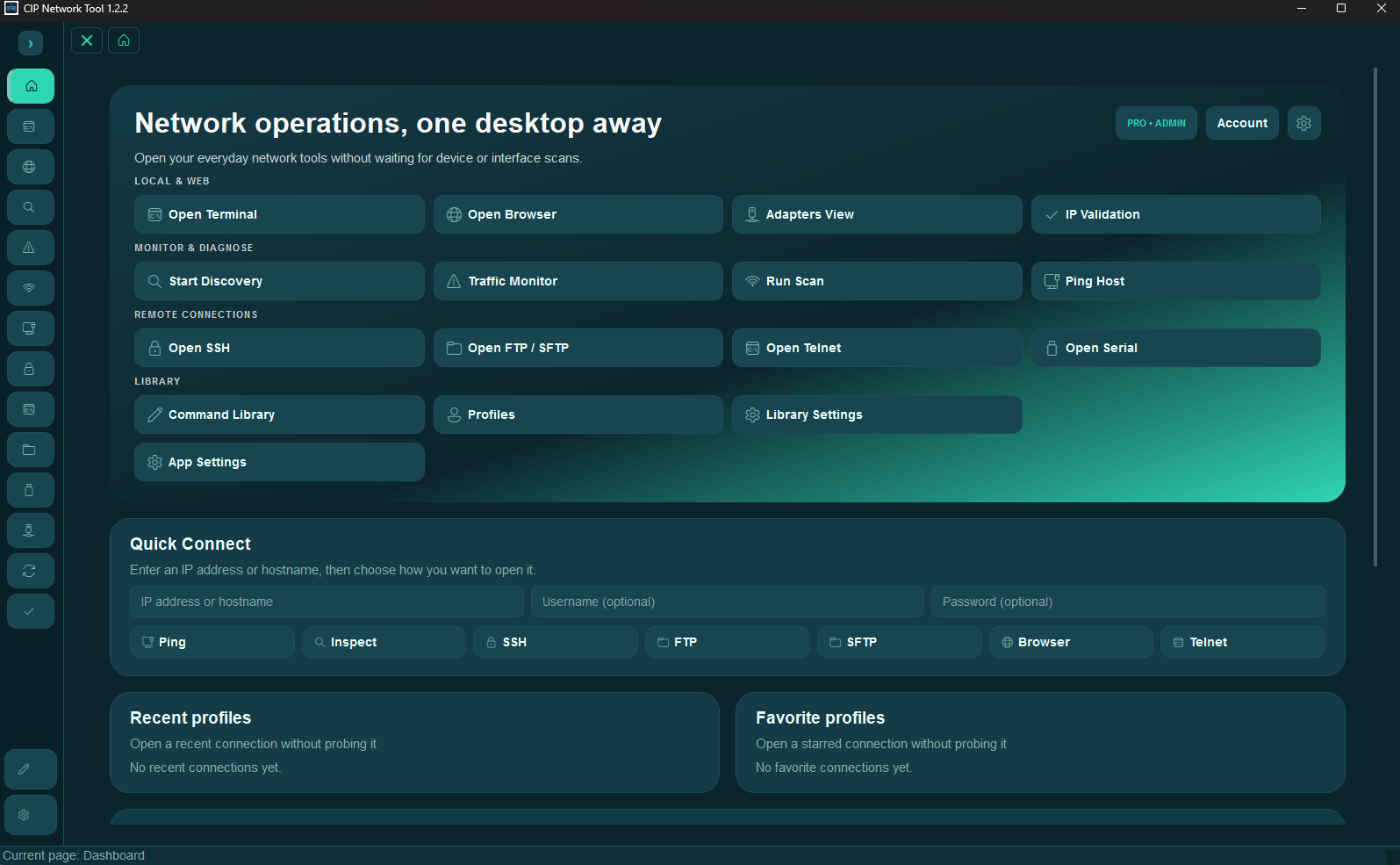
What it does
Interactive SSH, Telnet, Serial and local terminals, saved profiles, RDP through the native client and FTP/SFTP transfers.
Track local devices or scan an IPv4 range, then inspect reachable hosts for open ports, hostname and MAC vendor data.
Review adapters, apply static IP/DHCP, gateway and DNS settings, then validate subnets and addresses.
Use the Dashboard, Ping history and live Traffic Monitor with filters, notes and CSV export.
Save commands and profiles by category, tag, shell and platform, with duplicate detection and optional cloud folder sync.
Prepare commands or investigate diagnostics with optional context, then customize terminal, browser, connections, logs and traffic settings.
In more detail
Open live SSH, Telnet, Serial or local terminal sessions. Profiles and session history are saved automatically; SSH can include an SFTP file browser.
Launch RDP through the system client. FTP and SFTP include a transfer queue plus ask, overwrite, skip or rename conflict handling.
Discovery follows local devices, while Scan checks an IPv4 range. Device Inspector shows open ports, hostname and MAC vendor data.
Review adapters, apply static IP/DHCP, gateway and DNS, then validate subnets and addresses before you continue.
Dashboard, Ping history and Traffic Monitor provide health, packet capture, filtering, notes and CSV export. The built-in browser opens device web UIs with favorites.
Synchronize supported profiles and commands. Choose terminal presets or a custom 16-color ANSI palette with live preview and contrast correction.
Built-in browser
Saved favorites and its own Dark, Light or Auto appearance are included right inside CIP Network Tool.